 Glimmer
 Toolkit
Tools for a full head.
Seven small helpers that turn the noise in your head into one clear next step. Use one, then get back to your day. They never judge a messy list, and nothing leaves your device unless you connect your own writing agent.
In Glimmer for Mac.Coming soon to Glimmer for Mac. iPhone and iPad are coming soon.

Start, size, focus, say, decide.
-
Get started
Unload
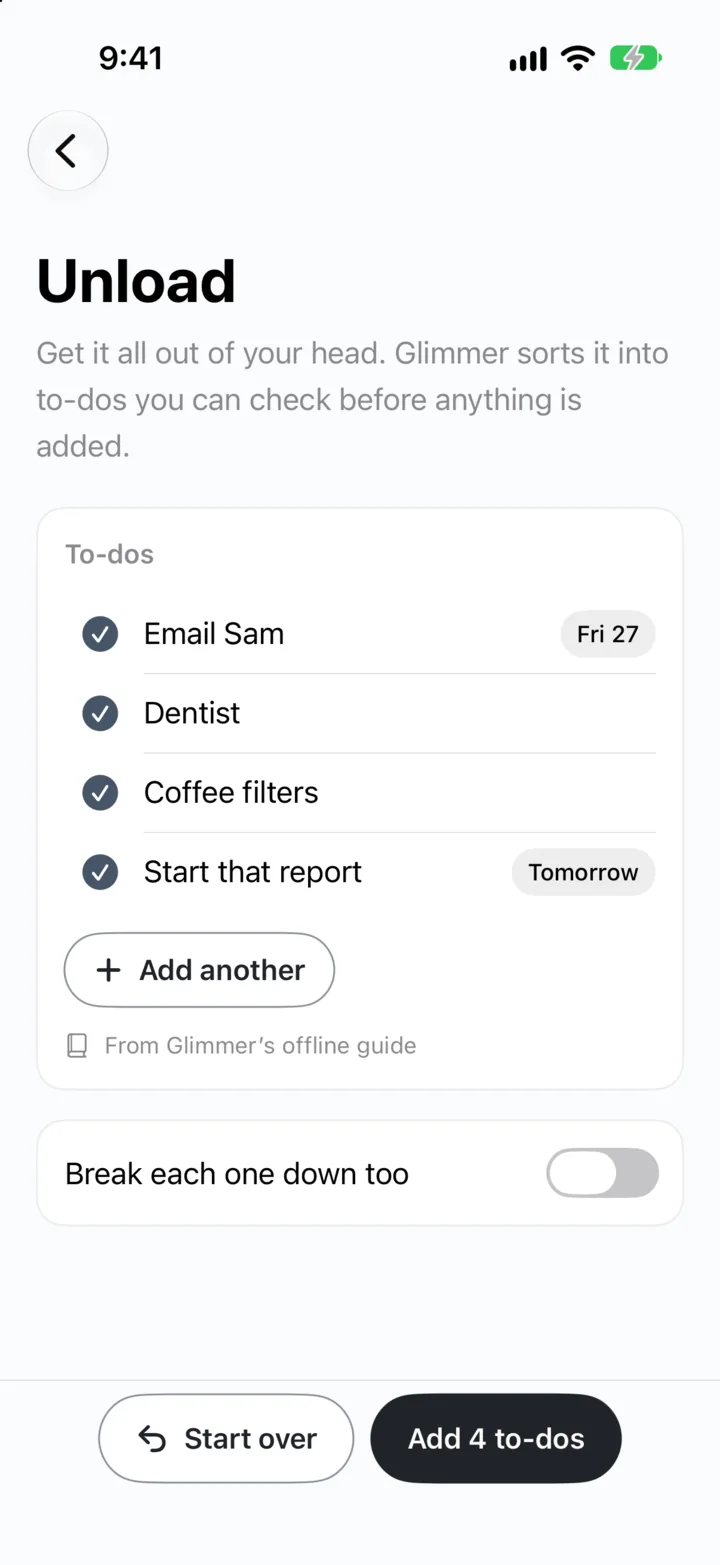
Type or paste everything on your mind, typos, sighs and all. Glimmer sorts it into separate to-dos, picks up words like “tomorrow” or “by Friday” as due dates, and lets you check the list before anything is added.
-
Get started
Break it down
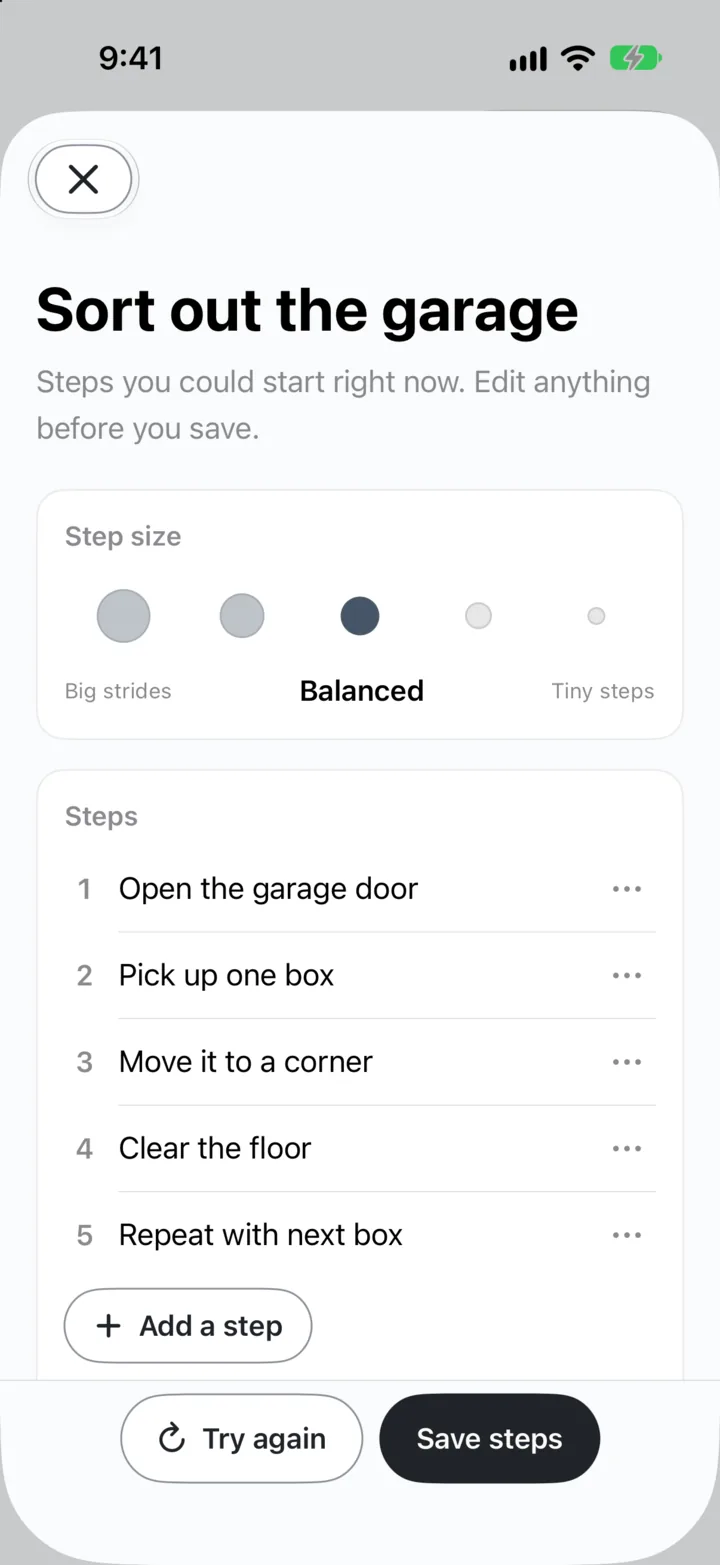
Turn one heavy to-do into steps you could start right now. Step size goes from big strides to tiny steps, so a hard day can get smaller pieces. Edit any step, and break a step down again if it still feels big.
-
Get it done
One thing
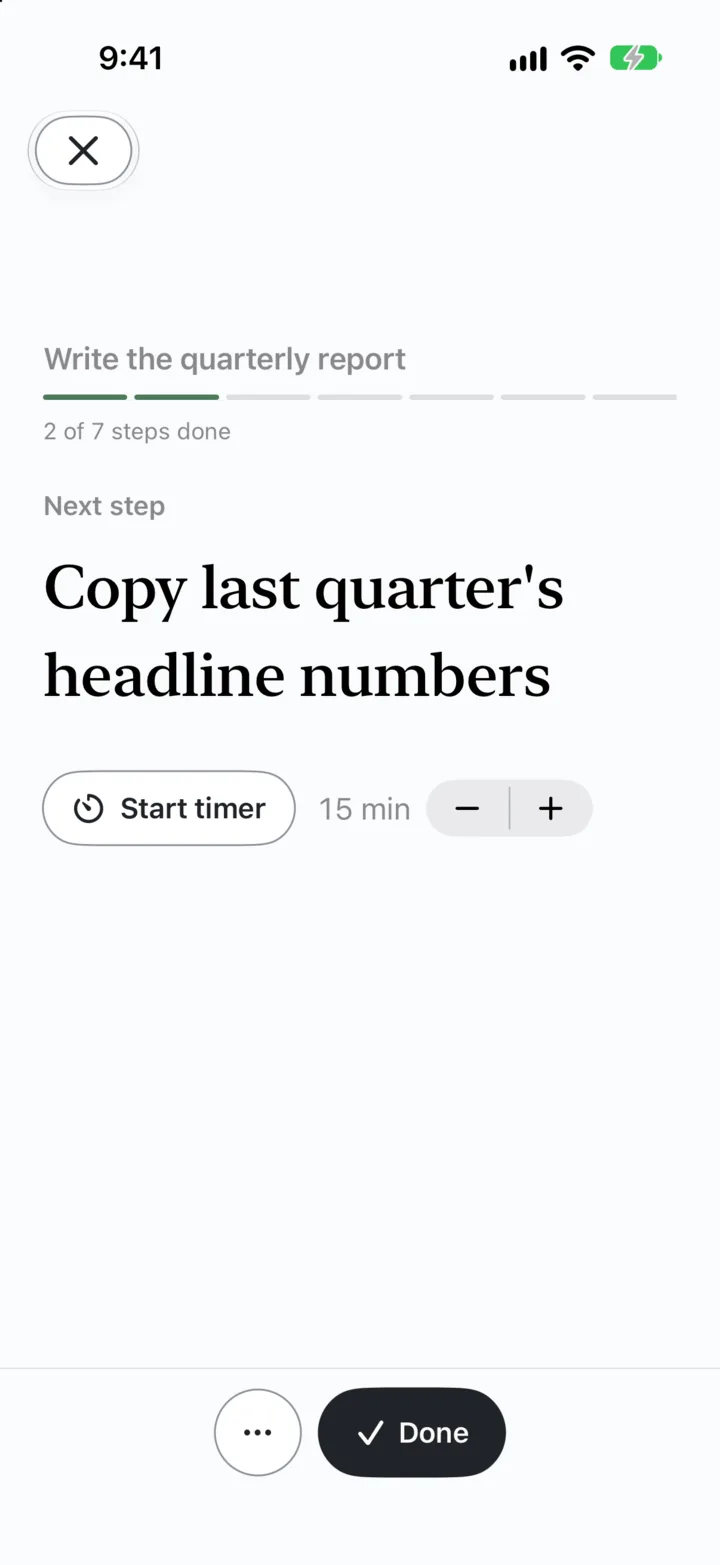
Glimmer offers two to-dos to choose from, based on what’s due, how big it is and how focused you feel today. Then it shows only the next step, with a gentle timer. Skip a step, break it down, or pick something else whenever you like.


-
Get it done
Time check
A kind guess at how long your to-dos will take today, adjusted for your energy check-in. Low focus gets a little padding, not a lecture.
-
Say it
Read the room
Paste a message you got, or one you’re about to send, and see how it might come across, with the words behind each read.
-
Say it
Reword
The same message, kinder, clearer, calmer, more professional, more casual, shorter or as bullet points. Your names, dates and facts stay put.
-
Decide
Weigh it
Lay a decision out as for, against and still unknown. Glimmer won’t decide for you. It suggests one small, reversible thing to try for seven days.
Where the answers come from
Every result says where it came from, so you always know what you’re looking at.
- On iPhone and iPad, the Toolkit uses Apple Intelligence on your device when it’s turned on.
- On a Mac, it asks your own connected writing agent first, then Apple Intelligence. Connect a writing agent.
- Without either, every tool still works with Glimmer’s simpler offline guide. Reword offers Shorter and Bullet points offline.
Only the text you type into a tool is used, and Glimmer keeps your to-dos, steps and estimates in your private journal. With iCloud sync on, they follow you across your devices. Privacy